What's found finds its way home
An ID Slid tag connects whoever finds something with its owner. No app, no unnecessary personal data.
Three steps
Create a profile
A profile for a child, a loved one, a pet or an item. You decide what the finder sees.
Attach a tag
Write the link to any NFC tag or print a QR label.
Get the message
The finder scans the tag and writes to you. You're notified instantly — your number stays hidden.
A tag for everything that matters
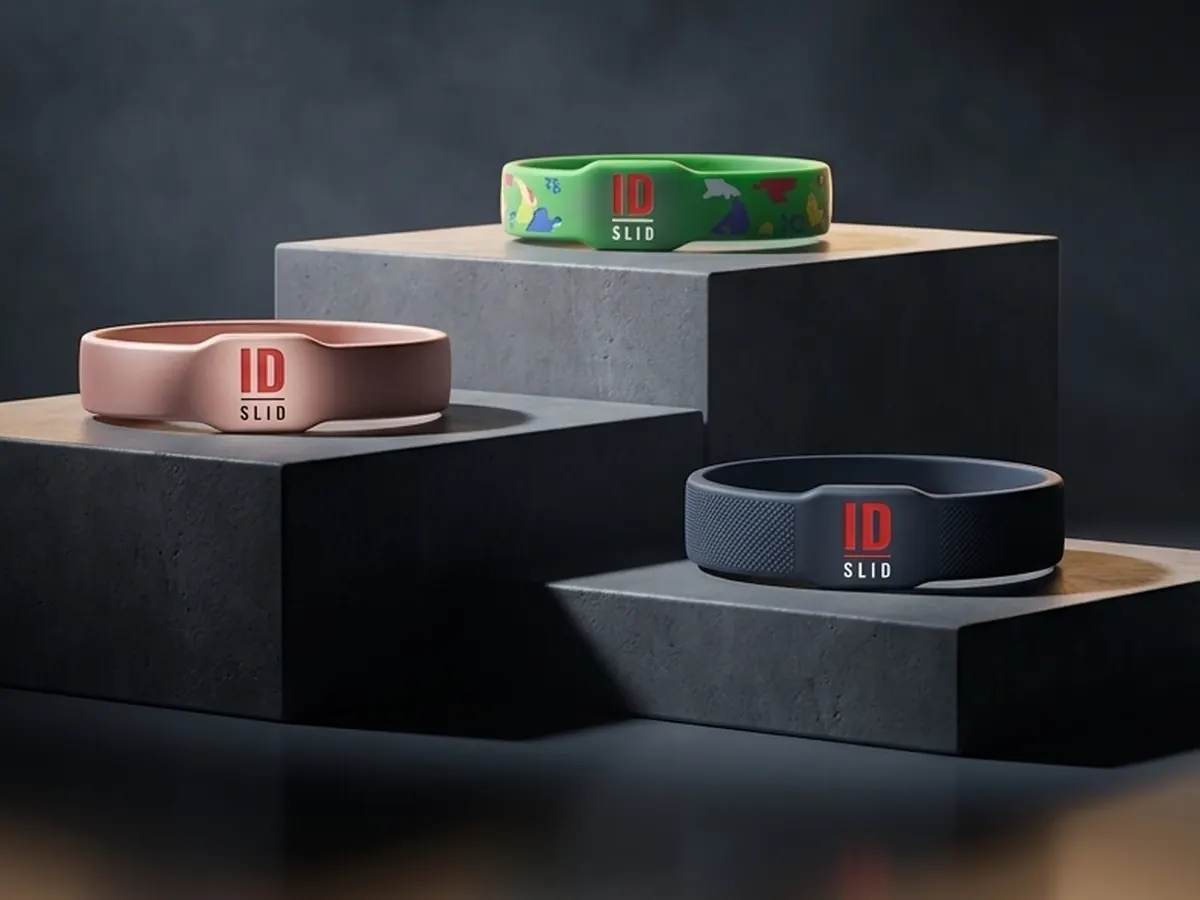
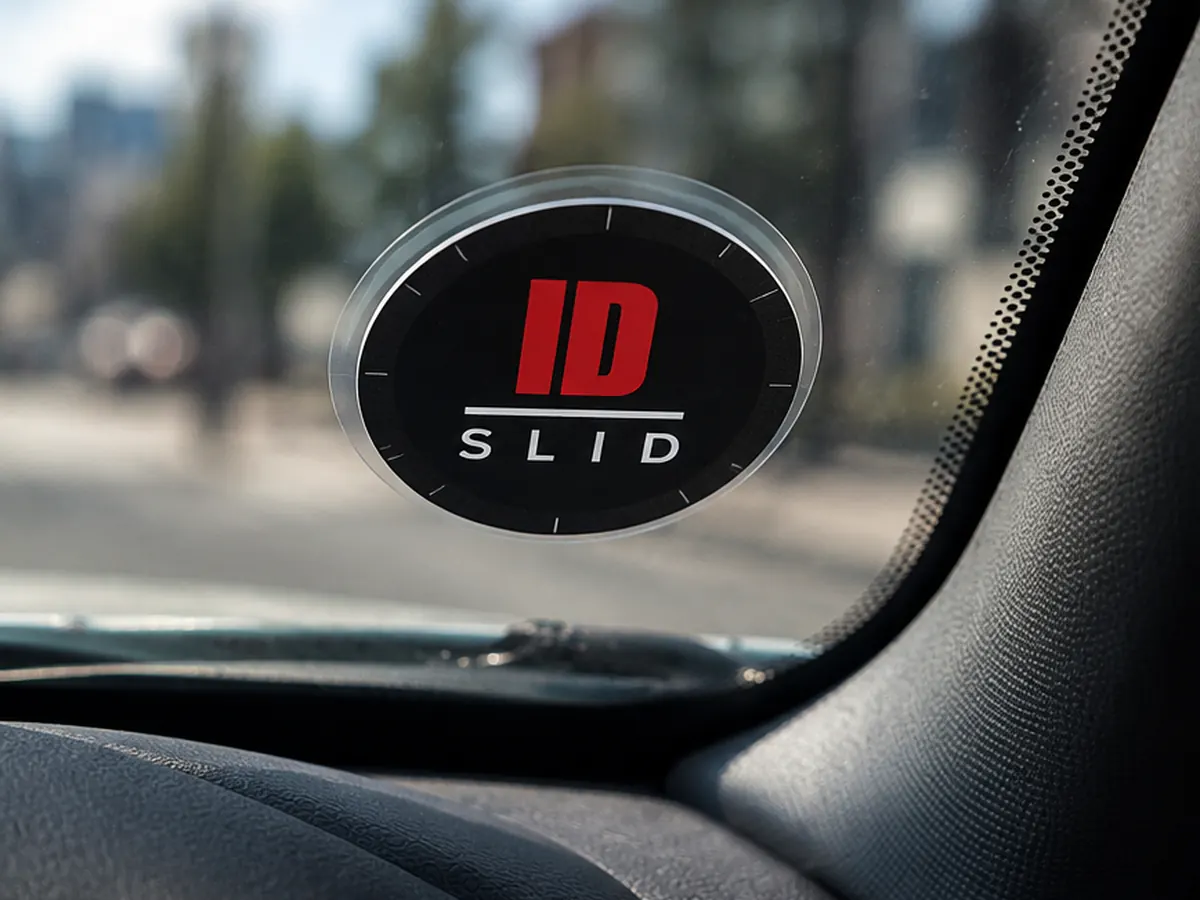
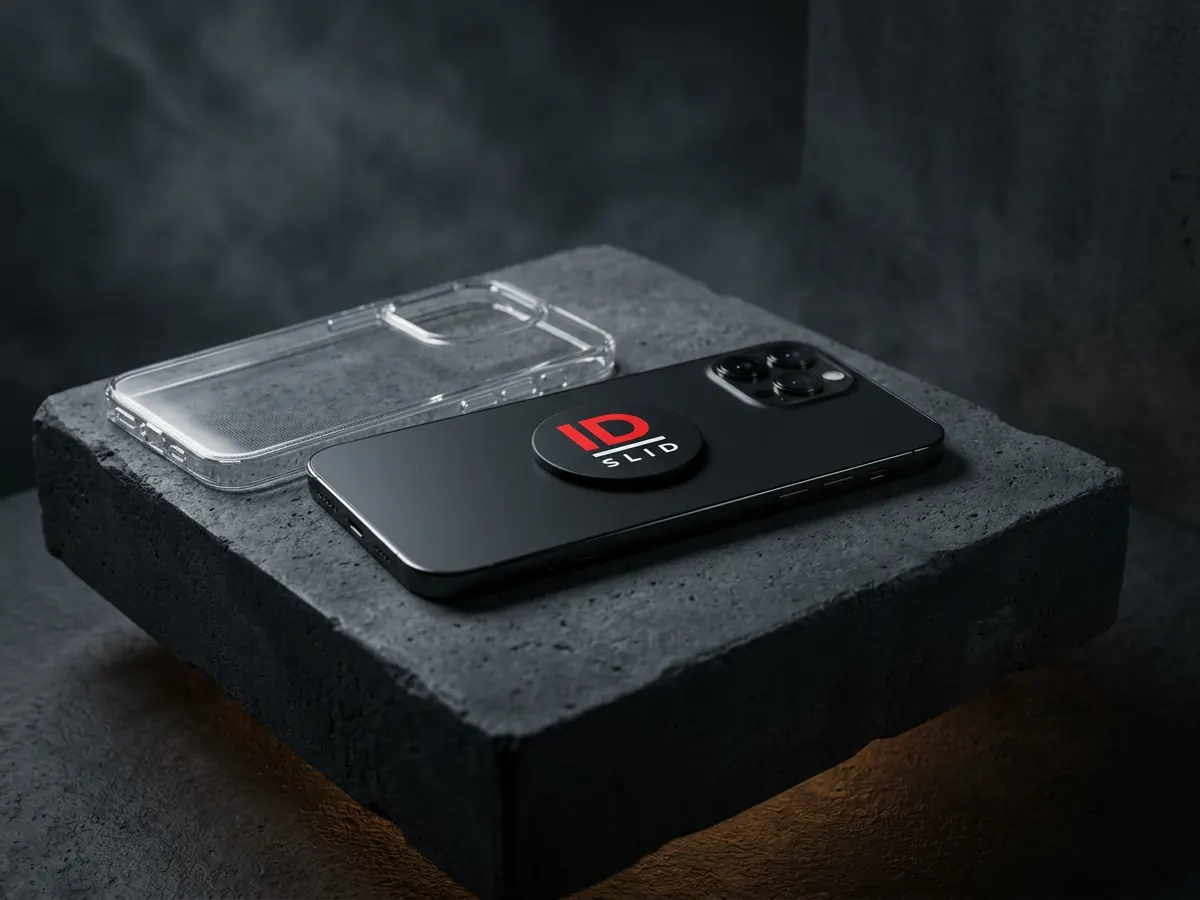
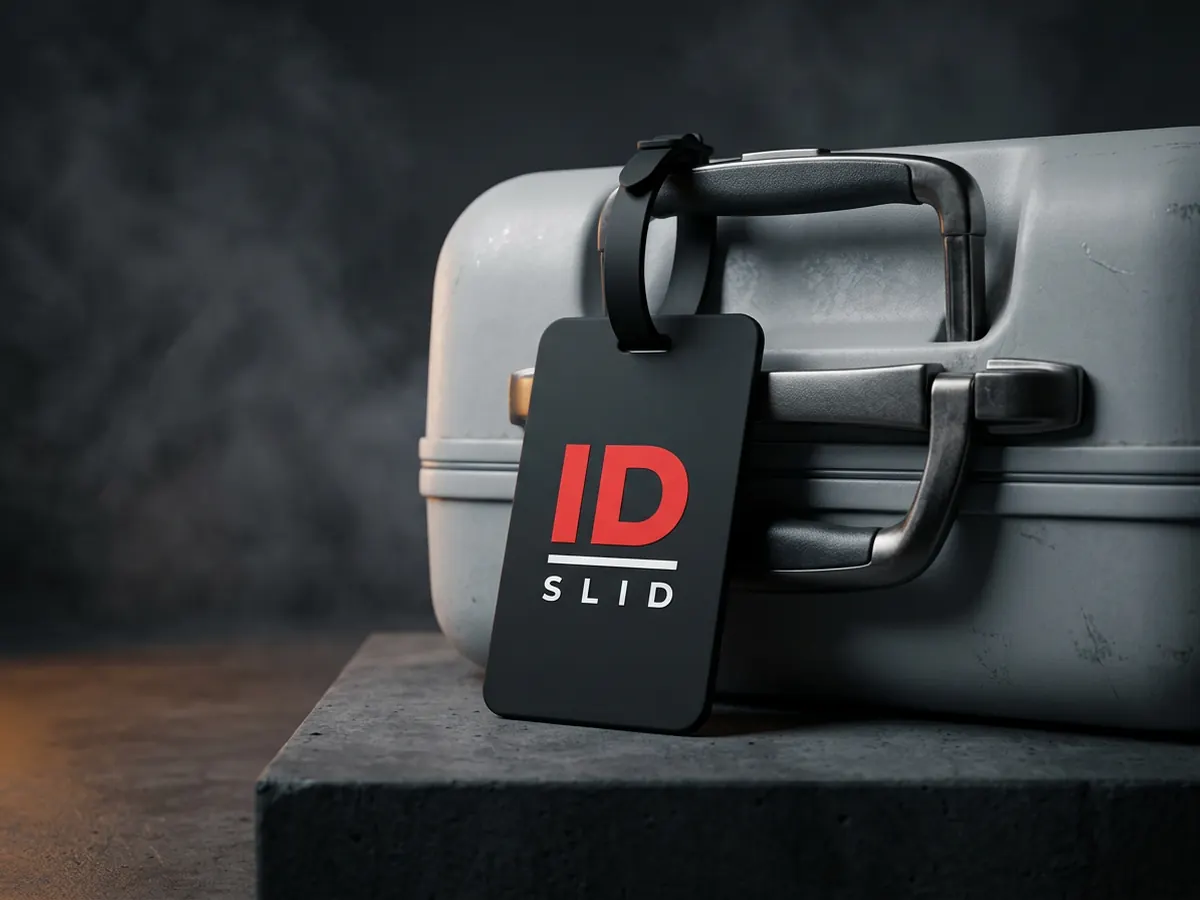
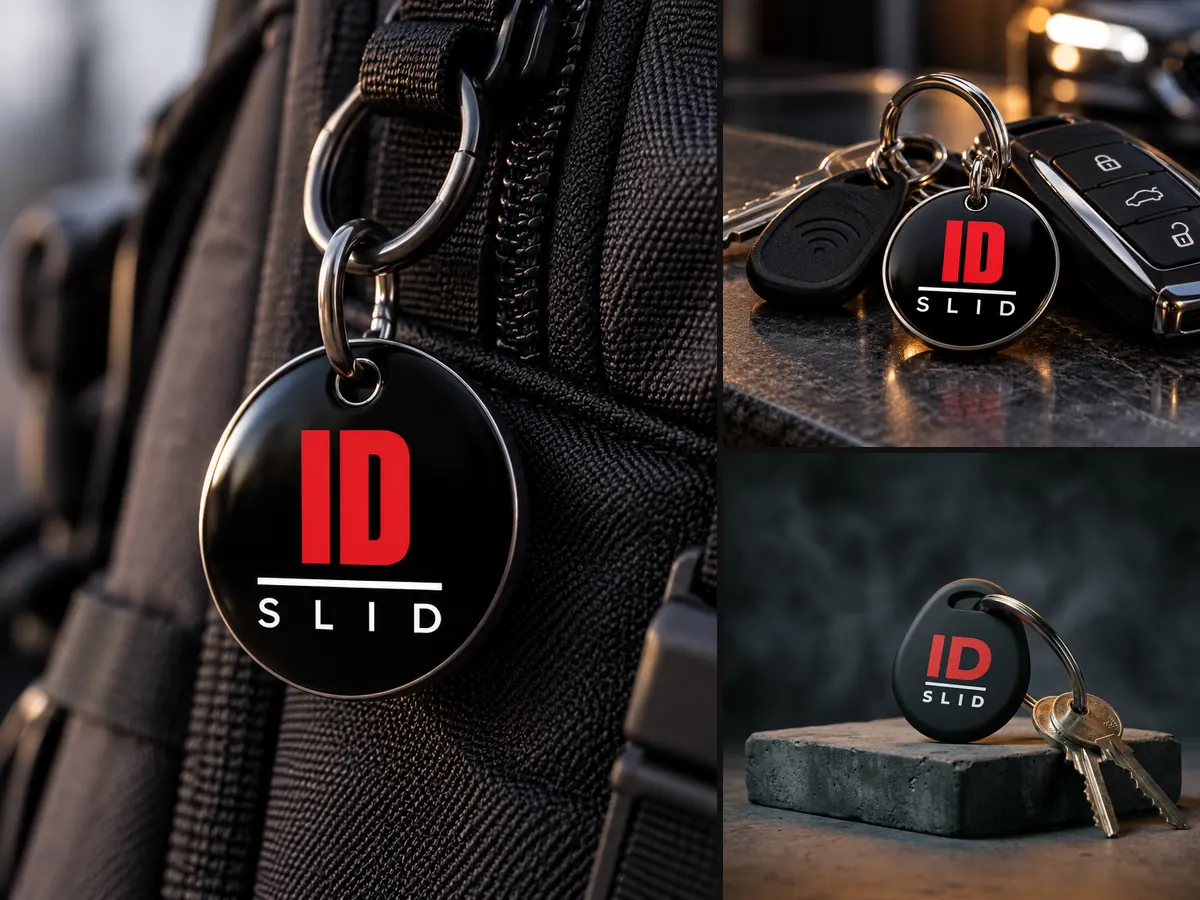
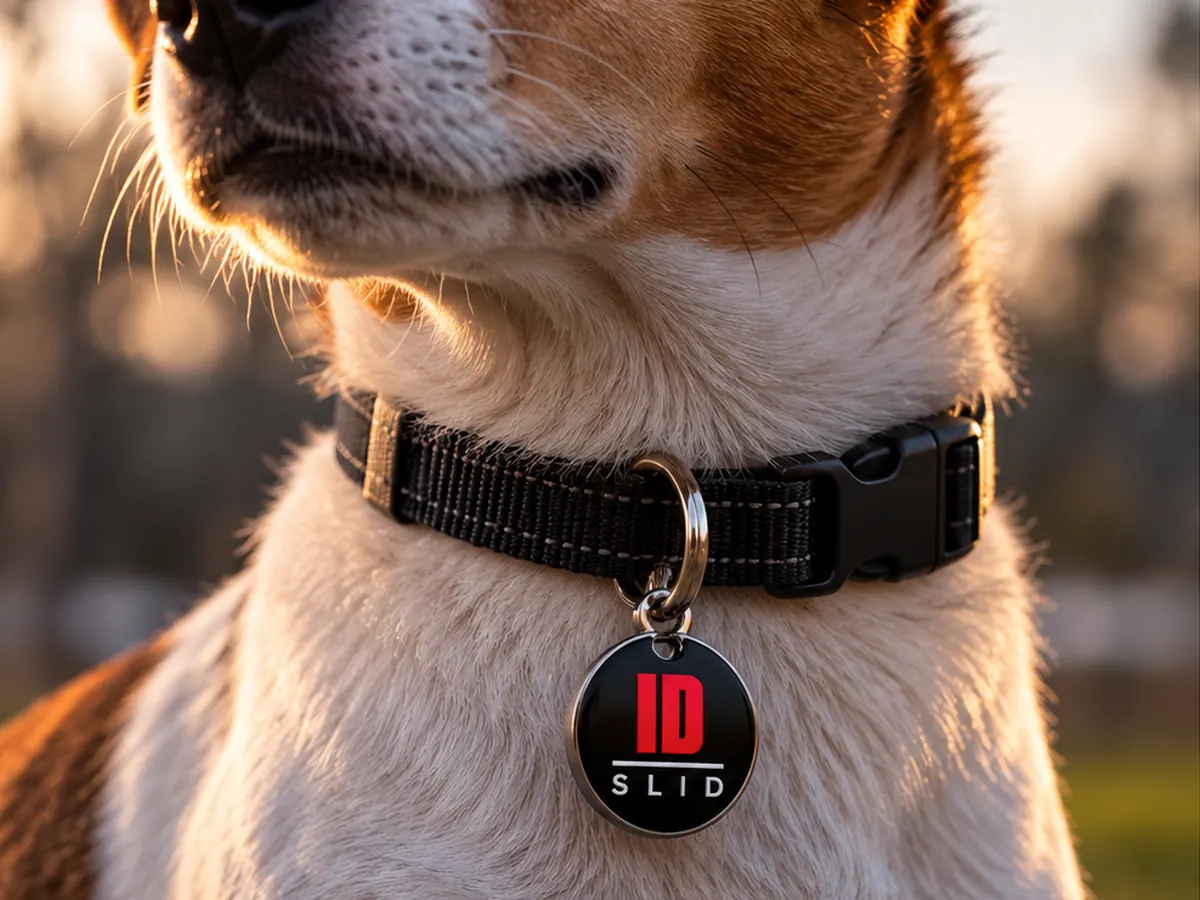
A bracelet for a child, a windshield sticker, a phone-case tag, a luggage tag, a key fob, a pet collar tag — choose the form for your situation. The tag arrives with its link already written: activate it with your phone and link it to a profile.
Kindergartens, schools, camps, events
Tags for every participant, notifications to the right people, temporary tags for an event.
One red button. None of your data.
The finder sees only what you allowed. Your phone, email and address stay hidden: they write through ID Slid, and you get notified in Telegram and by email.
What ID Slid brings home
Children
A tag in the backpack or on clothing. The finder messages you; the child's name is hidden by default.
People in care
Older people, people with memory loss or disabilities: a bracelet or card with contact through the service.
Pets
A tag on the collar. “Message the owner” works from any phone, no app needed.
Belongings and luggage
Keys, wallet, suitcase, bike. An NFC sticker or a QR label with a code.
Cars
Your car is blocking someone? A sticker on the windscreen — and they message you to move it. Your number stays out of sight.
Travel and hiking
Lost in a forest or an unfamiliar city with a dead phone? Tap the tag on a passer-by's phone — the relatives you added to ID Slid get the message.
Kindergarten and school
A teacher scans the child's tag — parents instantly get a message in Telegram and by email.
Service profiles
Military, police, rescuers: the finder sees only the contact button — no data.
Your data, your control
The tag only holds a link
No name, no phone number. You decide what a finder sees for each profile.
Contact through the service
The finder writes through ID Slid and never sees your contacts. Your phone is shown only if you turn it on.
You see every scan
Time, approximate city and device type. We don't store IP addresses.
For babies and young children, how you attach the tag matters. Safety tips →
Waitlist
ID Slid is being tested with a closed group. Leave your email and we'll send an invitation as soon as there's a spot.
Already have an invite code? Sign in and create an account →